ScanHive digital catalogs
An elegant digital catalog for your spa
Let guests review treatments and packages in a calm, easy-to-read format. A ScanHive QR catalog gives your spa one place to explain services, show prices, and keep the experience consistent from reception to the treatment room.
A closer look at ScanHive customization
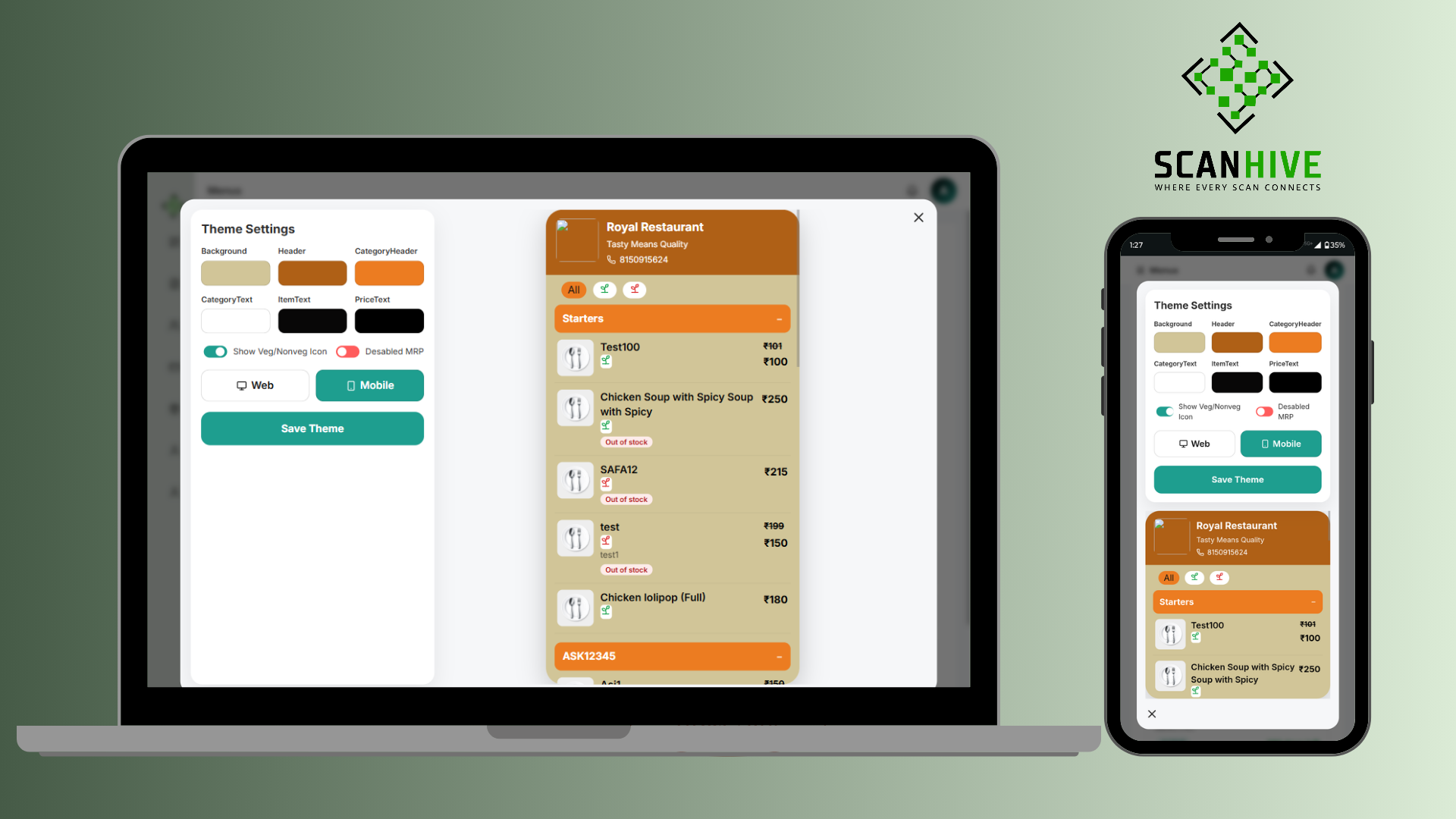
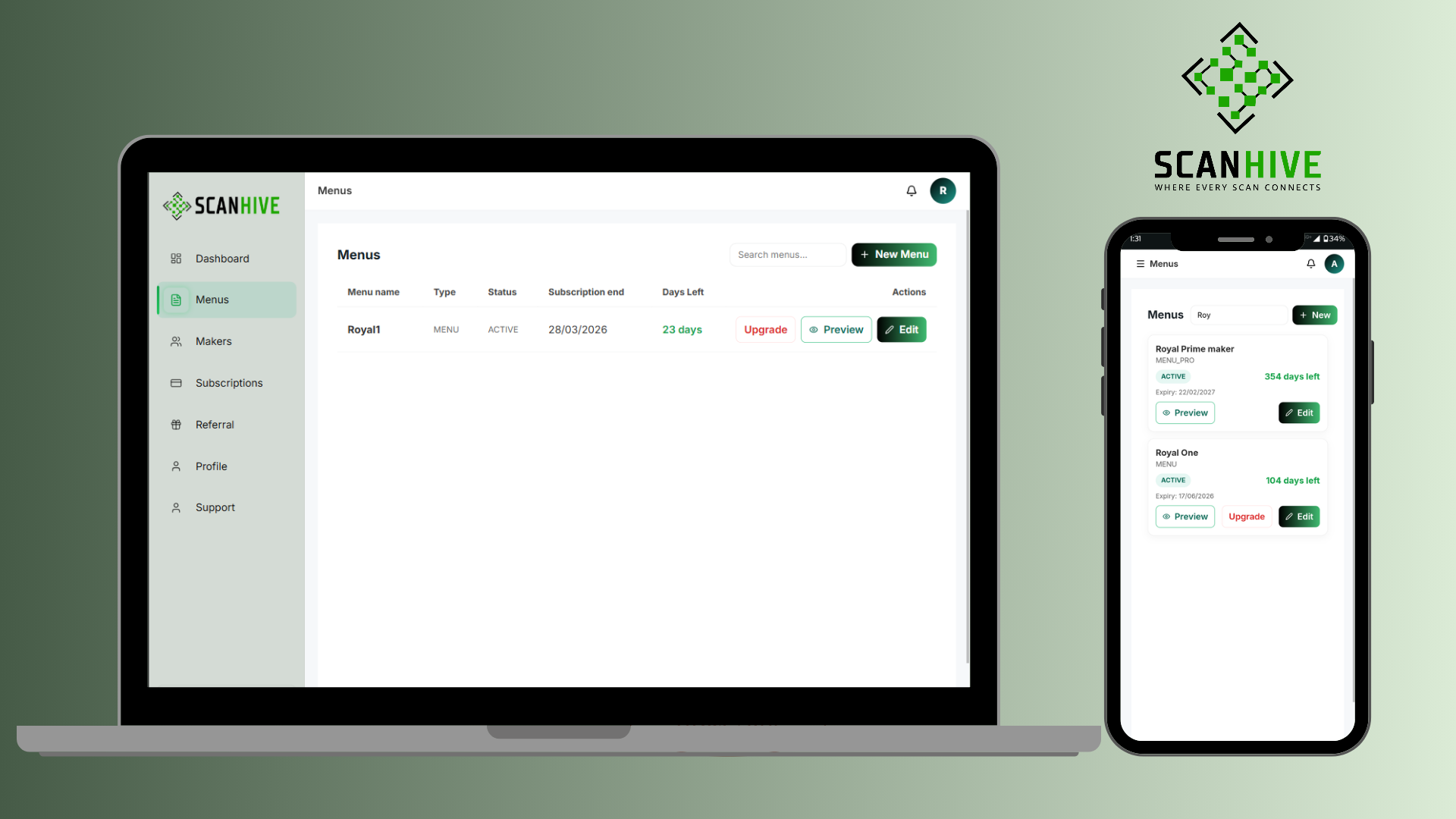
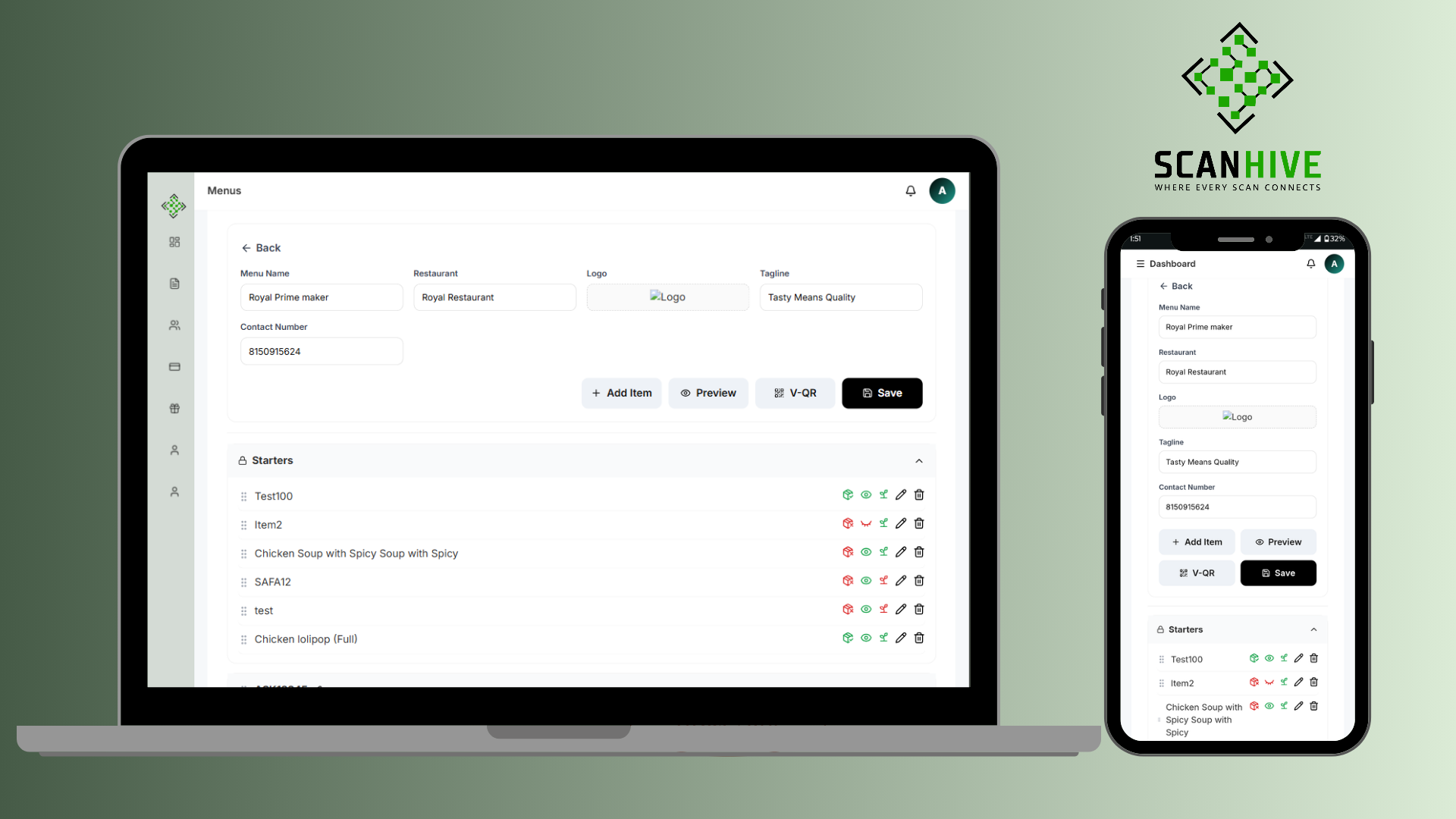
These real product screens show how teams can style a catalog, review it on different screens, and keep items organized.
Present treatments with room for useful context
A treatment list can include several kinds of experiences, from massage and body care to facials and wellness packages. Categories help guests move through those choices without facing one dense list. Add descriptions that explain the service in your own words and include the price where guests can compare options. Clear information supports a more relaxed conversation at reception because visitors can arrive with a better sense of what interests them.
Give packages and individual services equal clarity
A package may combine services or offer a longer visit, while a single treatment can suit someone with a shorter window. Present both in the same catalog with names and details that make their differences easy to understand. When a guest scans a code, the menu opens on a phone without requiring an app or account. That makes it practical to place QR codes at reception, in waiting areas, or beside printed spa information.
Create a visual tone that fits the spa
The colors and layout around a service list can contribute to how a guest experiences your brand. Choose a custom theme that feels calm, refined, or contemporary, then keep your service descriptions and categories consistent. A mobile-friendly catalog lets guests read at their own pace and share the link with someone planning a visit. You can also use the same destination online so the information stays aligned.
Update the catalog as treatments and seasons change
Spas adjust packages, seasonal offers, and treatment prices throughout the year. With a digital catalog, make the change once and keep the printed QR code in place. Guests who scan it later will see the current list. This avoids maintaining separate printed menus across rooms and makes it easier to remove an offer when it ends. Build the first version around your core services, then expand it as your menu grows.
Frequently asked questions
Can a spa show treatments and packages together?
Yes. Use categories to present individual services and packages in one digital catalog.
Do spa guests need a mobile app?
No. Guests scan the QR code and read the catalog in a mobile browser.
Can spa prices be updated after a QR card is printed?
Yes. Update the online catalog and keep using the same printed QR code.
Can I change the catalog theme to suit my spa?
Yes. Select and customize a theme that fits your spa's brand and presentation.