ScanHive digital catalogs
A digital café menu that matches your brand
A neighborhood café may serve espresso in the morning, iced drinks in the afternoon, and a different pastry case every day. Keep the menu flexible with one QR catalog that is easy for regulars and first-time visitors to browse.
A closer look at ScanHive customization
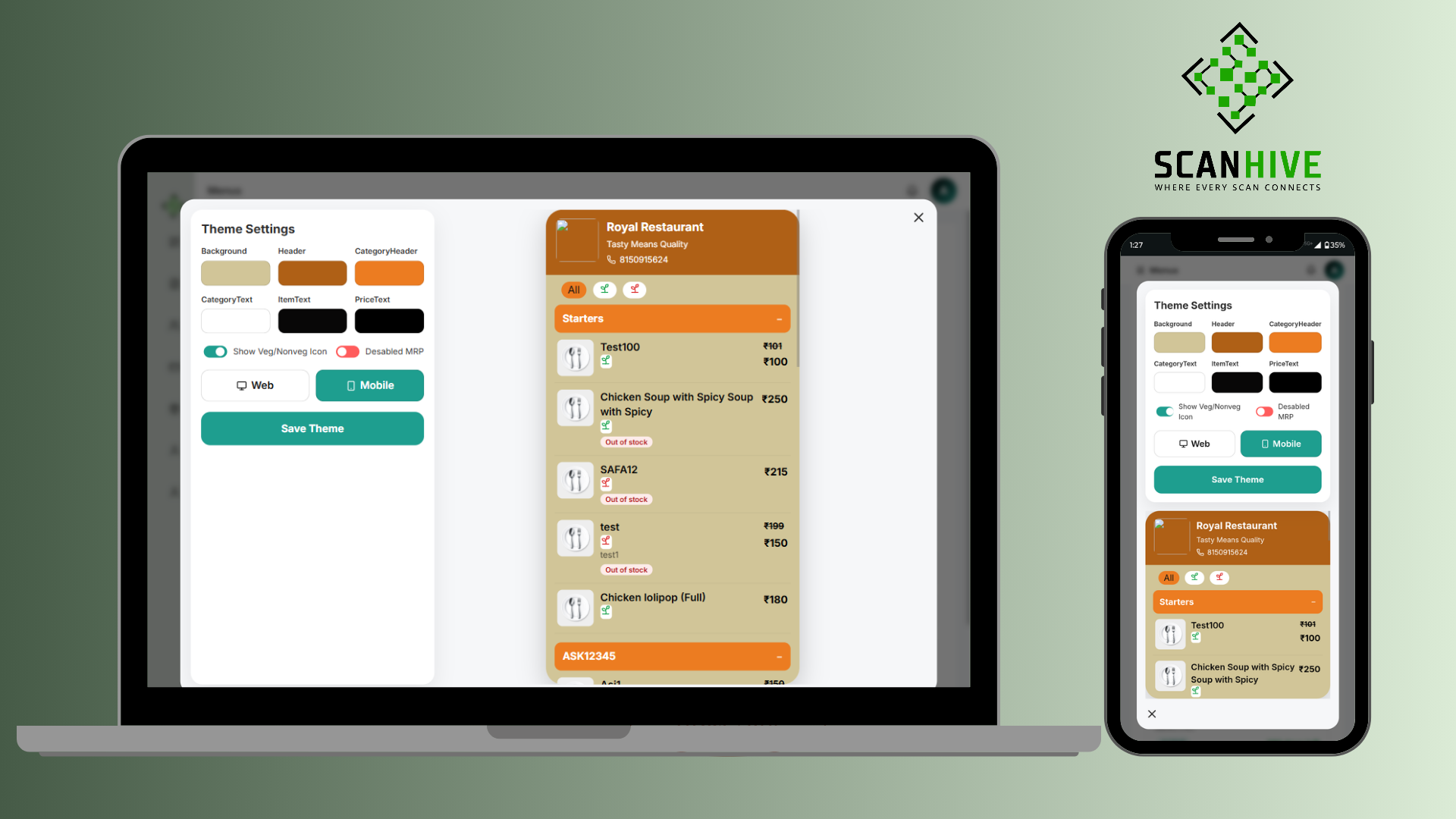
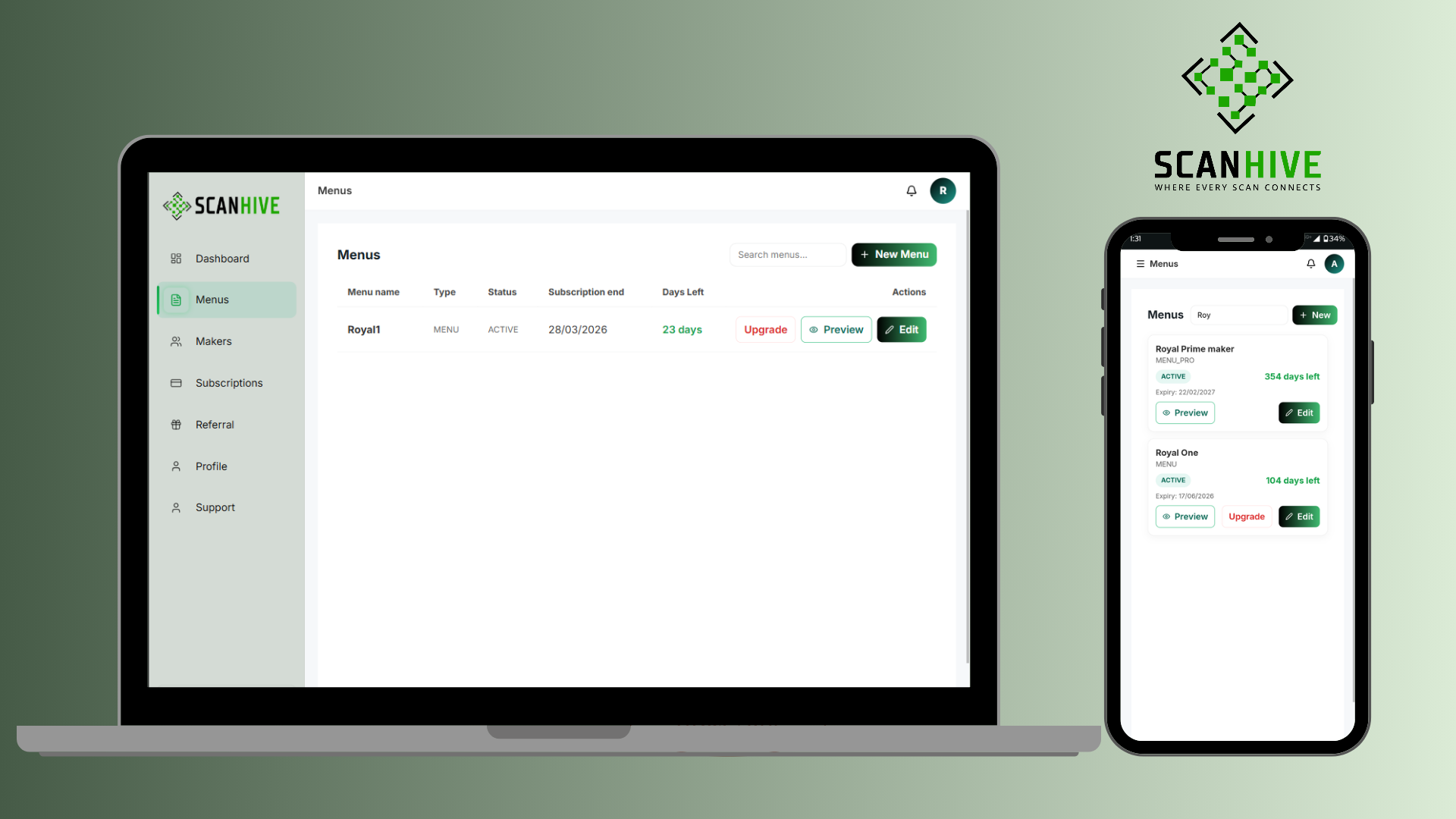
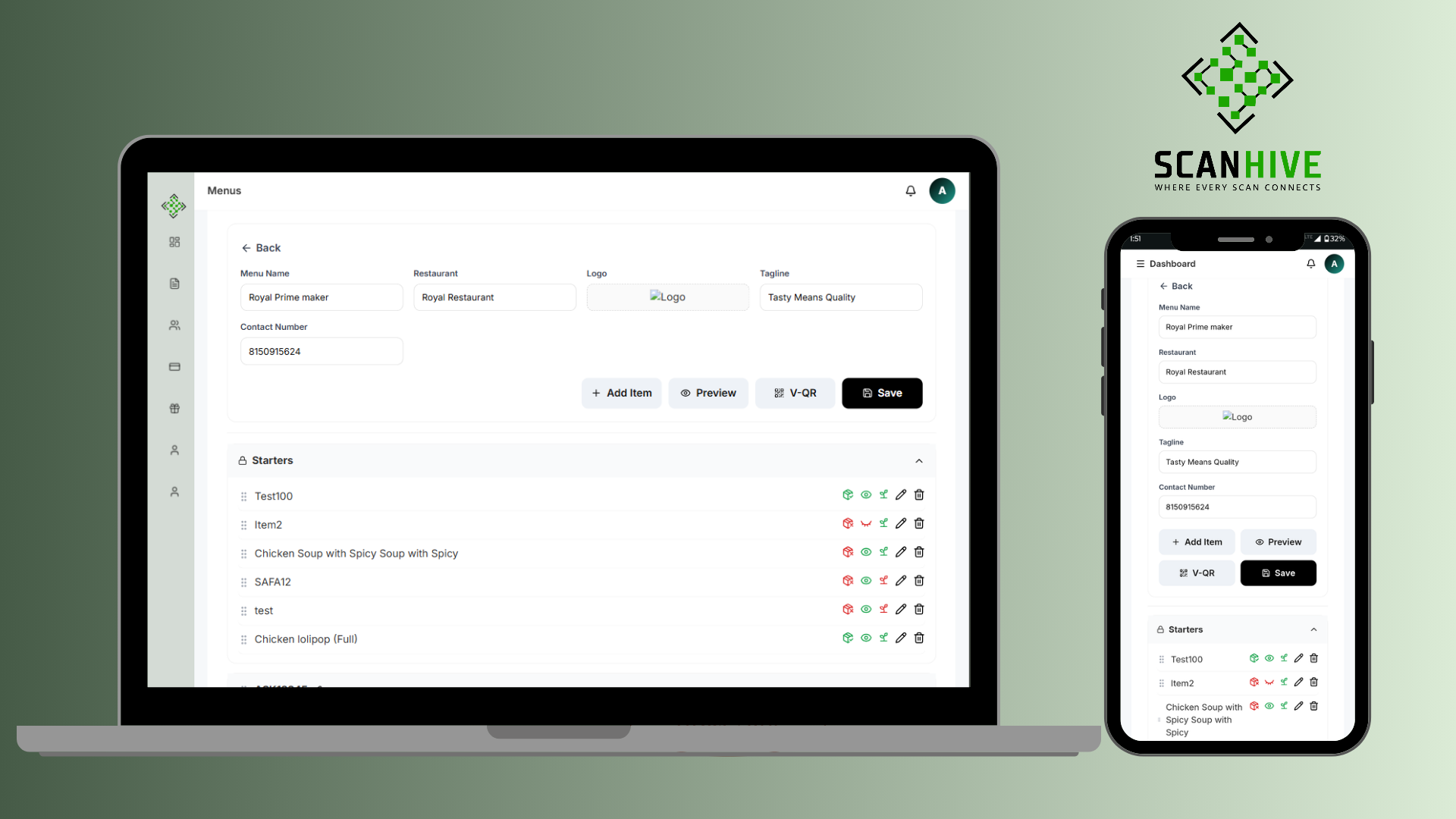
These real product screens show how teams can style a catalog, review it on different screens, and keep items organized.
Give changing café menus a home that is easy to update
Coffee beans, seasonal drinks, bakery items, and daily specials do not always stay the same. A digital menu lets you update names, descriptions, prices, and categories when the offer changes. Keep espresso, tea, cold drinks, snacks, and pastries separated so customers can find what they came for. When the menu changes again, update the catalog instead of printing another batch of cards.
Show the details that make a café choice easier
A short description can help a guest understand whether a drink is iced, contains a particular flavor, or pairs with a pastry. Put useful details beside the item and keep the wording in your café's own voice. Categories and search give people a quick way to move through a menu, whether they are choosing a familiar flat white or looking for something new.
Keep your visual identity from counter to QR menu
Your menu can use a theme that feels at home beside your signage, cups, and interior. Choose colors and a layout that make the catalog feel like an extension of your café rather than a generic list. A readable mobile layout helps customers browse while they wait, and the same link can be shared on social profiles or a café website for people planning a visit. A clear, current list can also help team members answer questions about ingredients and offers consistently.
Make seasonal changes without replacing table cards
Use one QR code at tables or on the counter, then update the digital menu whenever a seasonal drink arrives or an item is no longer available. The code continues to point to the current catalog, so there is no need to reprint it for every small menu change. Start with your everyday drinks and food, then add specials as your café's menu evolves during the week.
Frequently asked questions
Can a café list seasonal drinks and daily pastries?
Yes. Add seasonal items and daily offers to the catalog, then update or remove them when the selection changes.
Do customers need an app to scan a café menu?
No. Customers can scan the QR code and view the menu in their phone's browser.
Can I update prices without printing new QR codes?
Yes. Price changes are made in the online catalog, and the existing QR code still opens it.
Can I share the café menu before someone visits?
Yes. Share the catalog link online or let customers scan the QR code at your café.