ScanHive digital catalogs
Plans, services, and prices, one QR code
Visitors often want to understand the options before they speak with a team member. A QR catalog can make membership plans, training packages, clinic services, and listed prices available in a clear format on their own phone.
A closer look at ScanHive customization
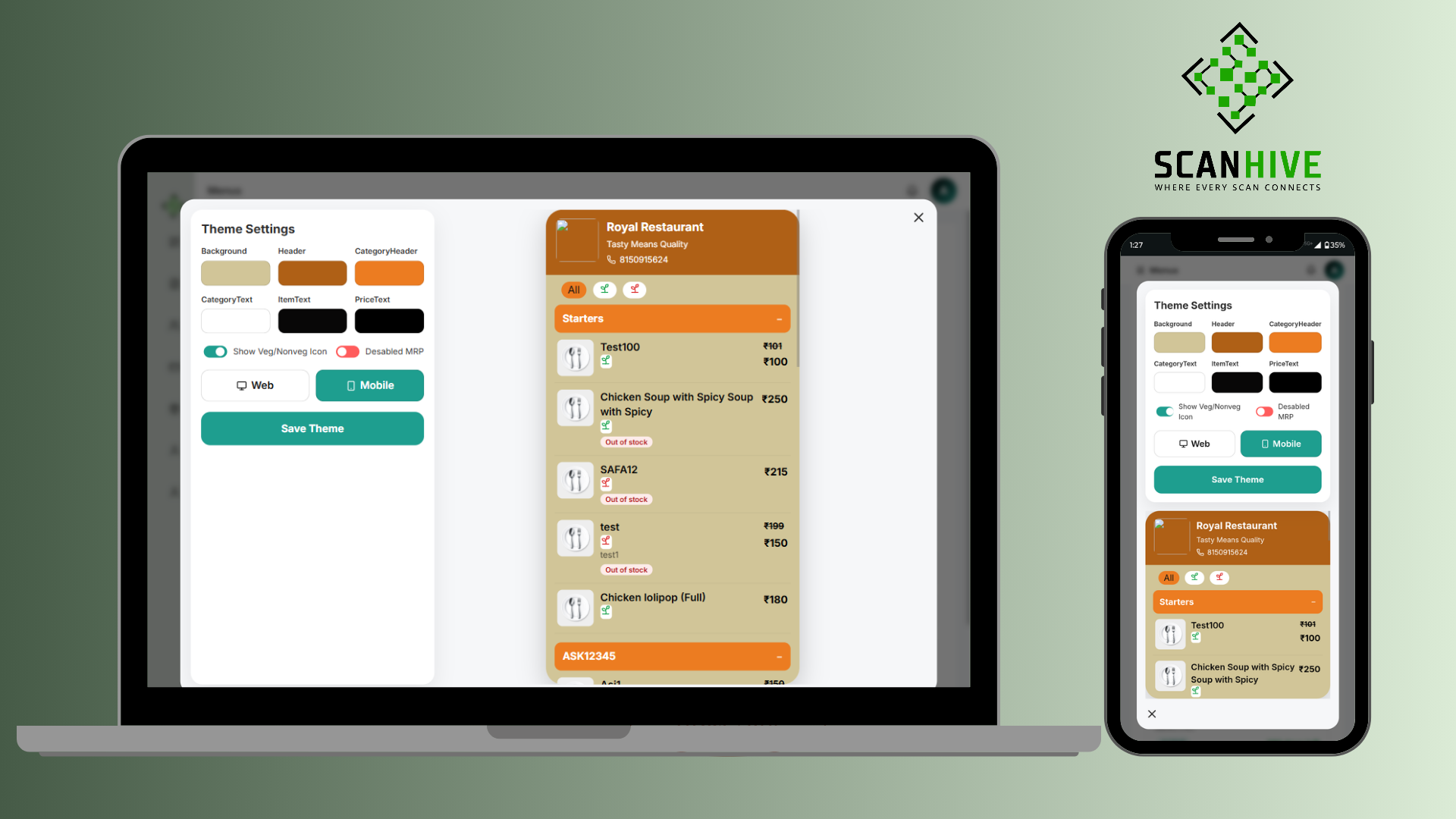
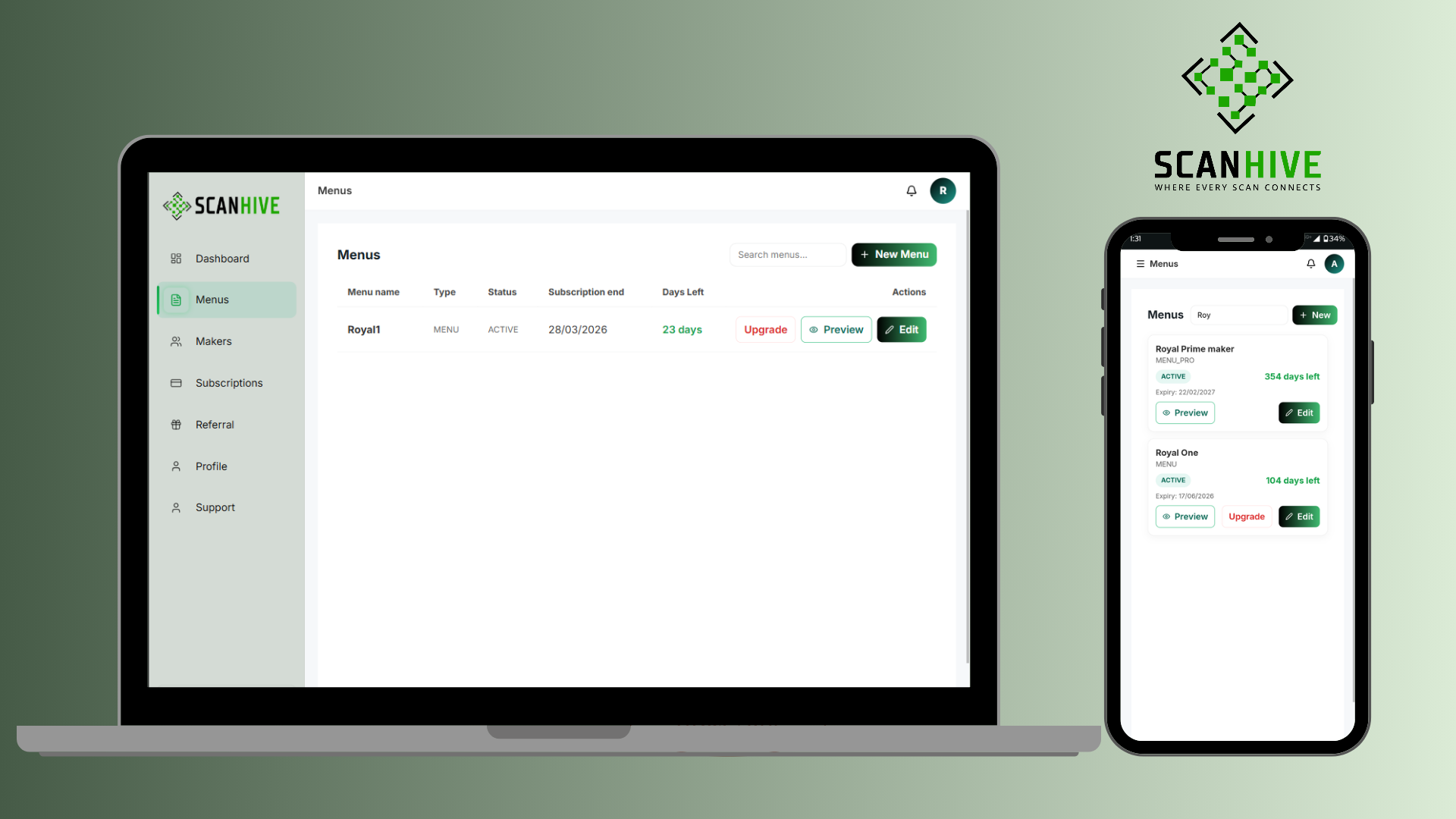
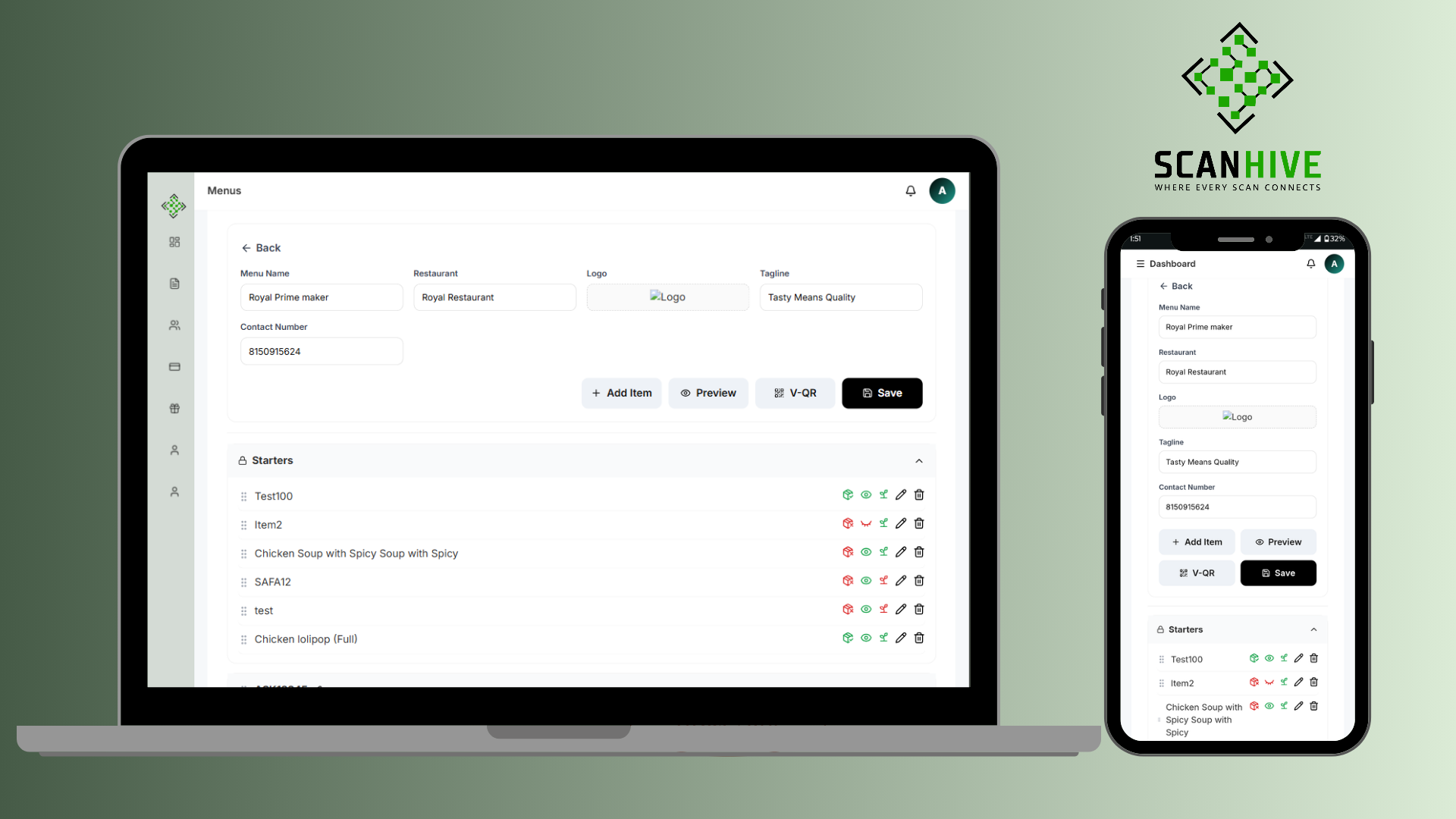
These real product screens show how teams can style a catalog, review it on different screens, and keep items organized.
Help gym members compare plans and programs
A gym may offer memberships with different durations, group classes, personal training, and introductory programs. Put those options into categories and describe what each listed plan includes. Prospective members can browse at reception or through a link sent after an inquiry. When prices or program names change, update the catalog so staff and visitors refer to the same current information rather than an older printed sheet.
Make clinic service information easier to find
Clinics can use a public catalog to organize departments, consultation types, and other services they choose to list. Clear categories and plain-language descriptions help visitors understand what the clinic offers before they contact the front desk. Keep the catalog focused on general service information and prices; it is a public menu, not a place for private patient records or individual medical advice.
Use one simple scan for visitors
Place a QR code near reception, on a brochure, or on a sign where visitors can scan it. The catalog opens in a browser, so people do not have to download a separate app to read the options. A custom theme gives the page a consistent look, while search and categories can make a longer list easier to browse on a phone. Use only information your organization is comfortable publishing to the public.
Keep published information aligned with your team
Membership prices, training packages, service names, and clinic offerings can change over time. Update the digital catalog when your published information changes, then share the same QR code with new visitors. Teams can point to one maintained page instead of passing around different printouts. Start with the most frequently requested options and add more detail as your staff sees what visitors need to know.
Frequently asked questions
Can a gym list different membership plans?
Yes. Add plans as catalog items and group them into categories so visitors can compare the options you provide.
Can a clinic list its services in a QR catalog?
Yes. A clinic can present general service information and listed prices in a public catalog.
Do visitors need to download an app?
No. Visitors scan the QR code and open the catalog in their browser.
Can listed prices be changed after printing a QR code?
Yes. Update your catalog online while continuing to use the existing QR code.