ScanHive digital catalogs
Your salon’s services and prices, beautifully displayed
Help clients explore your services before they decide what to book. A ScanHive salon catalog gives your treatments, descriptions, and prices a clear, branded place that clients can open from a QR code or shared link.
A closer look at ScanHive customization
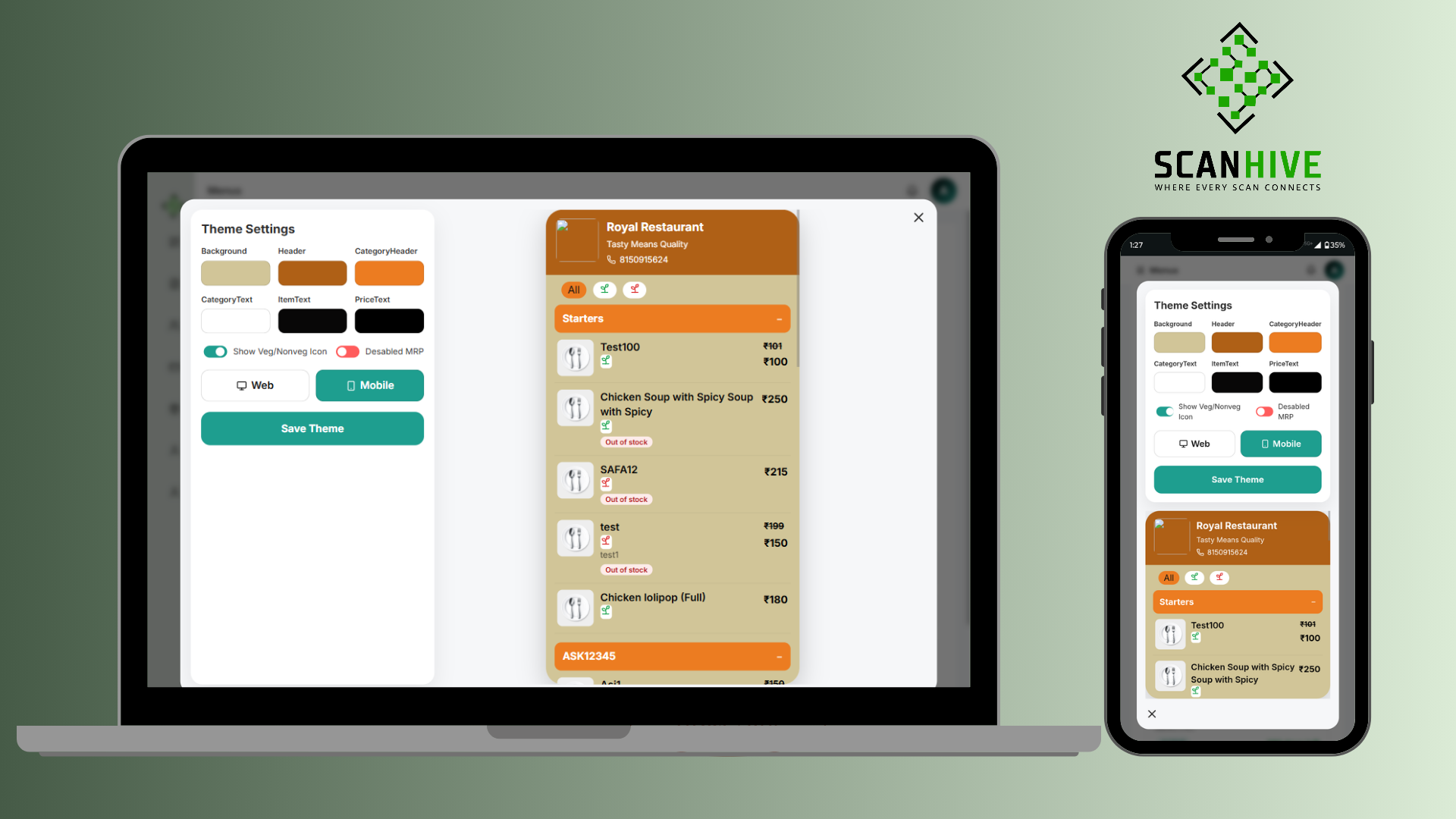
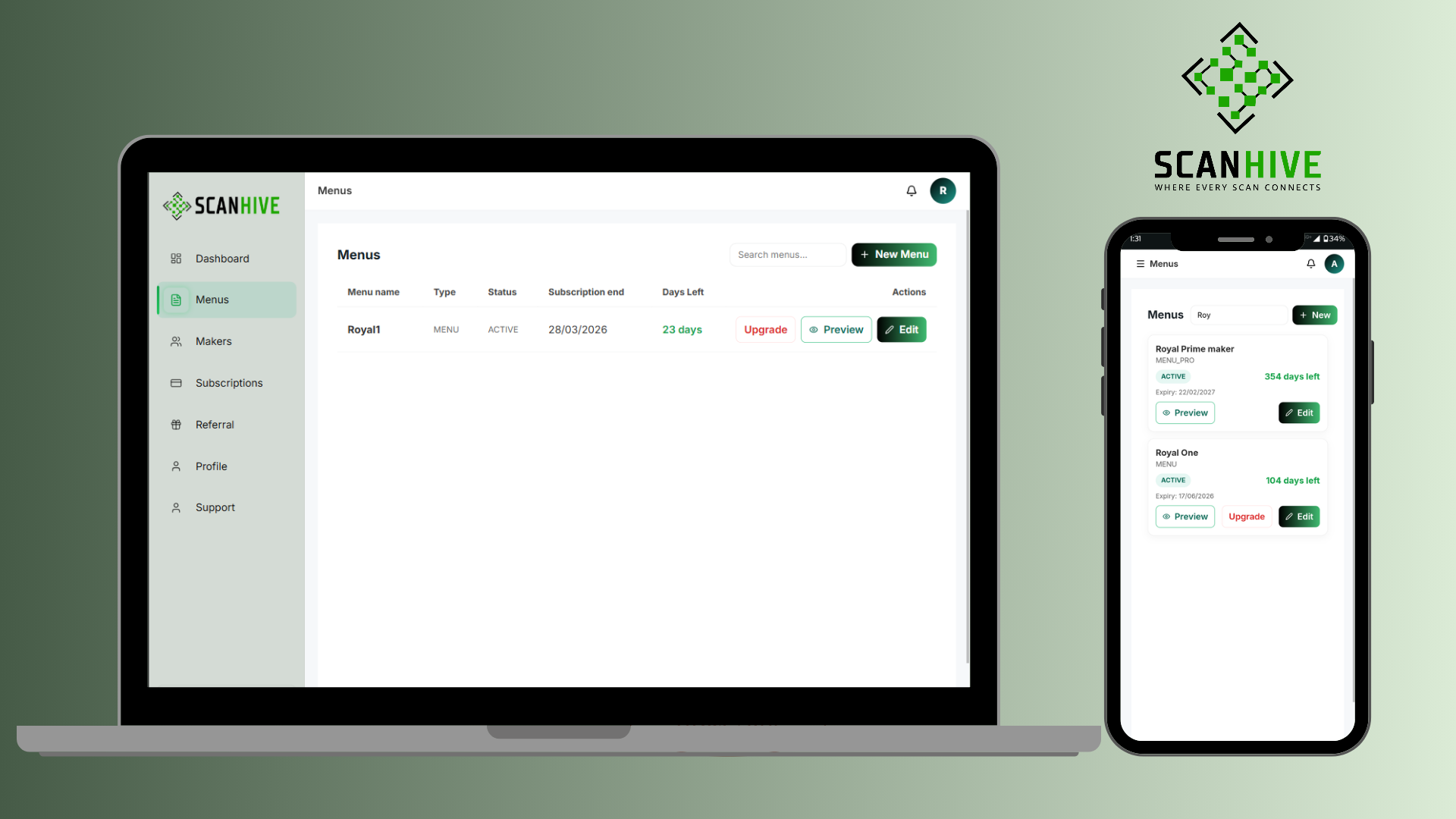
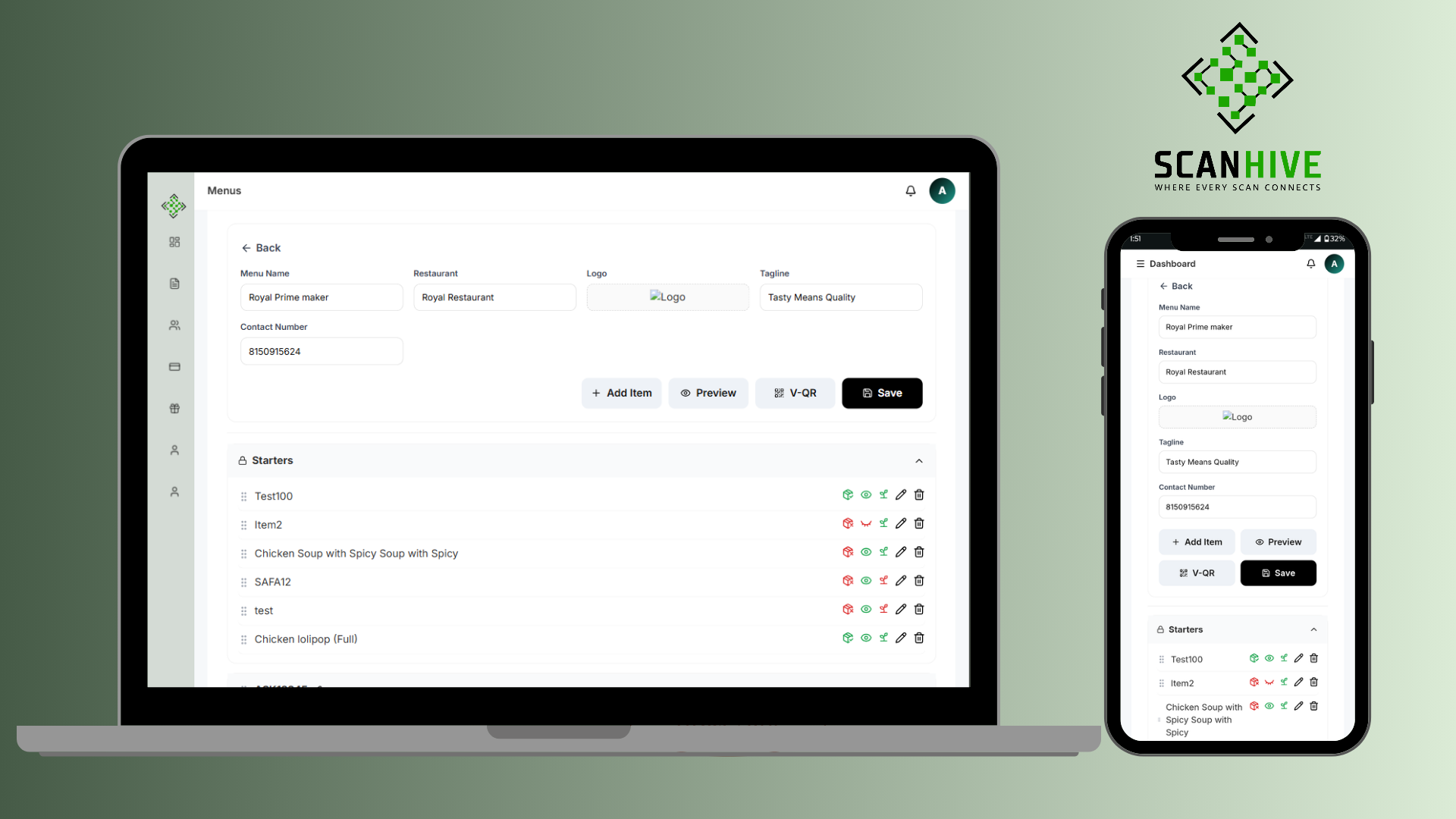
These real product screens show how teams can style a catalog, review it on different screens, and keep items organized.
Make a long service list easier to explore
Salons often offer more than one kind of appointment: cuts, color, styling, treatments, and add-ons can each have different details. Create categories that reflect how clients think about your services, then give each service a concise description and price. A well-organized catalog makes it easier for a new client to compare options and gives regulars a quick way to check what is available.
Set expectations before a client reaches the chair
A service name does not always explain what is included. Use the catalog description to clarify the treatment, duration where you choose to provide it, or who it is designed for. Clients can review these details privately on their own device rather than trying to remember a spoken list at the reception desk. Keep service information current as your salon adds techniques or changes its offerings.
Choose a presentation that suits your salon
A salon's visual style can be warm and natural, bright and playful, or minimal and refined. Pick a ScanHive theme that complements your brand and use consistent names and descriptions throughout the catalog. The mobile-first QR experience keeps the service list close at hand, while a shareable link lets clients browse from a message, profile, or website before they arrive. Clients can also share a link with a companion when choosing a service together.
Keep prices and offers current
When a service price changes or you introduce a limited offer, edit the digital catalog instead of replacing every printed price list. The QR code remains the same while clients see the current information on their next visit. You can update services and categories from one place, helping the team share a consistent list at reception and across the salon. Start with the services clients ask about most, then build out the full catalog.
Frequently asked questions
Can clients see salon service prices before visiting?
Yes. Share your salon catalog link or QR code so clients can browse listed services and prices.
Do clients need to install an app?
No. The catalog opens in a browser after a client scans the QR code.
Can I change a service price after printing the QR code?
Yes. Edit the online catalog and the existing QR code will continue to open the updated service list.
Can I group salon services into categories?
Yes. Organize services into categories that make sense for your salon, such as hair, skin, or treatments.